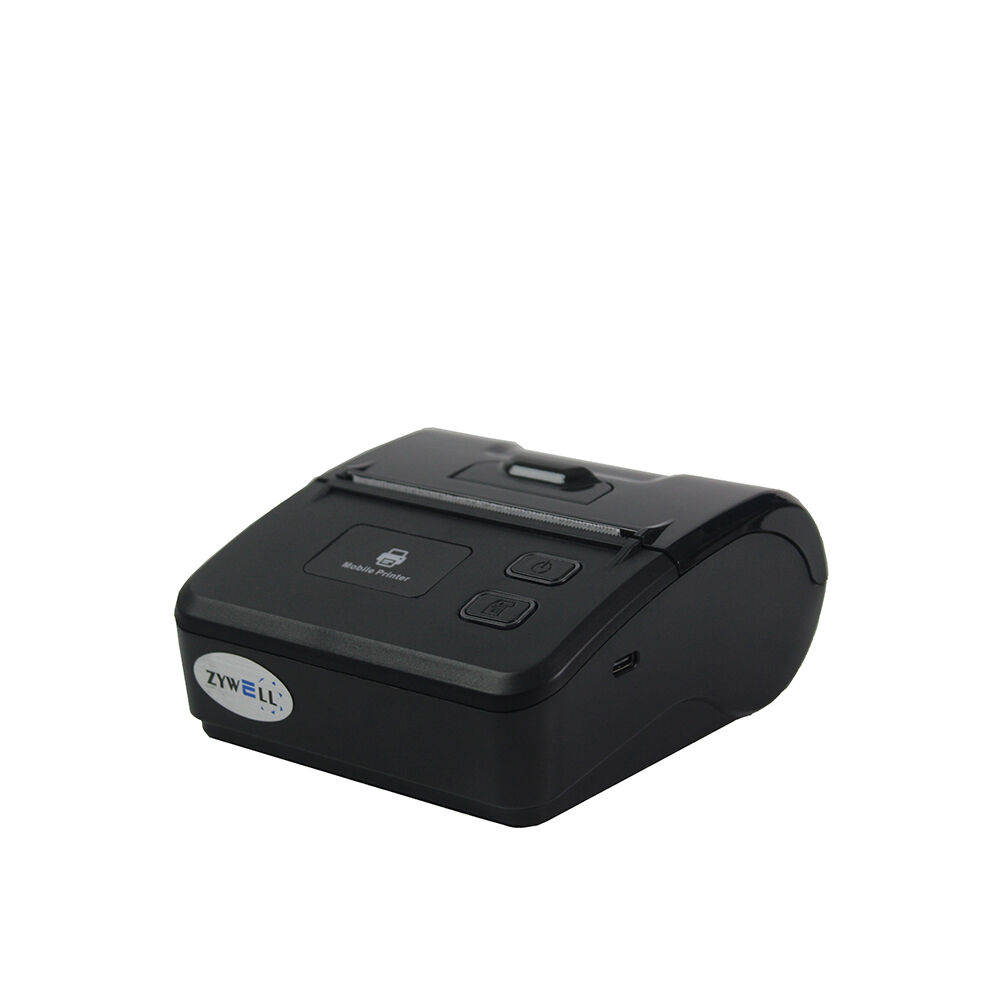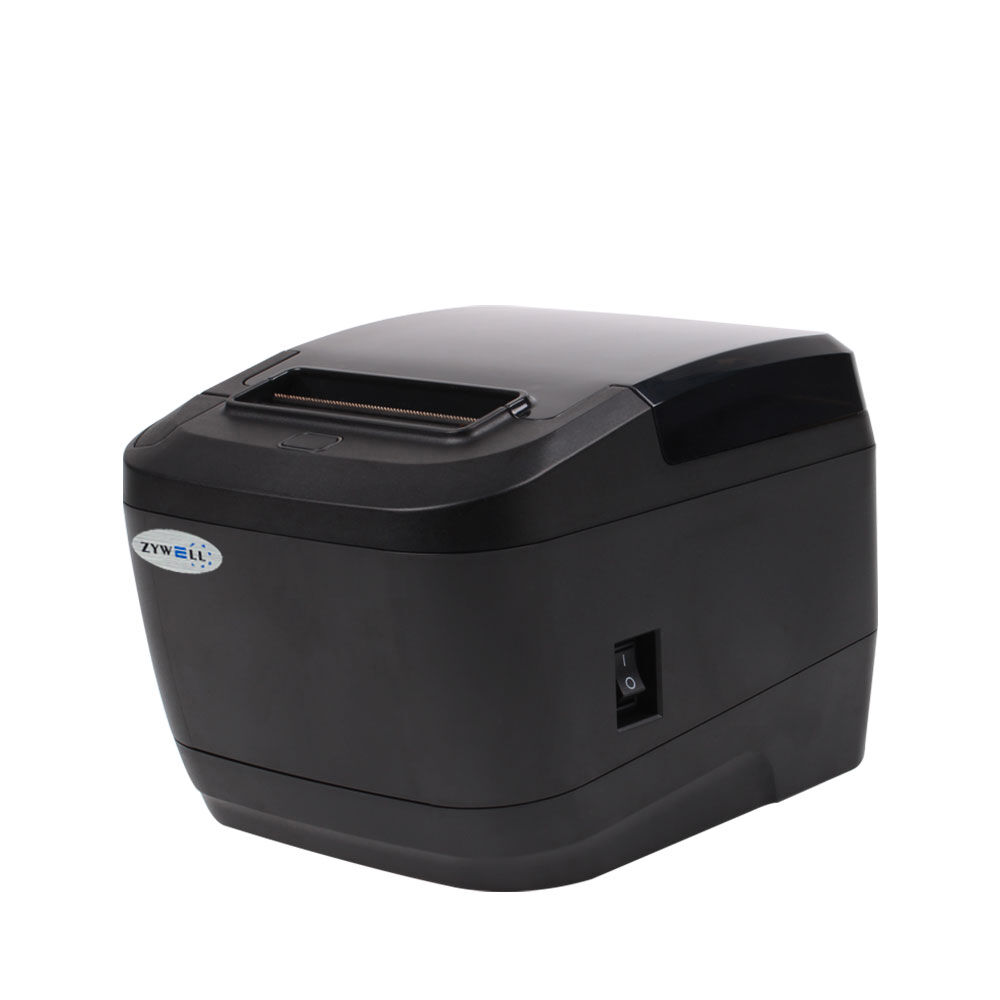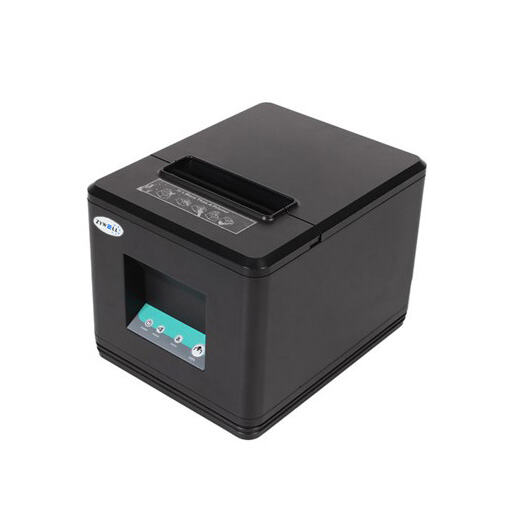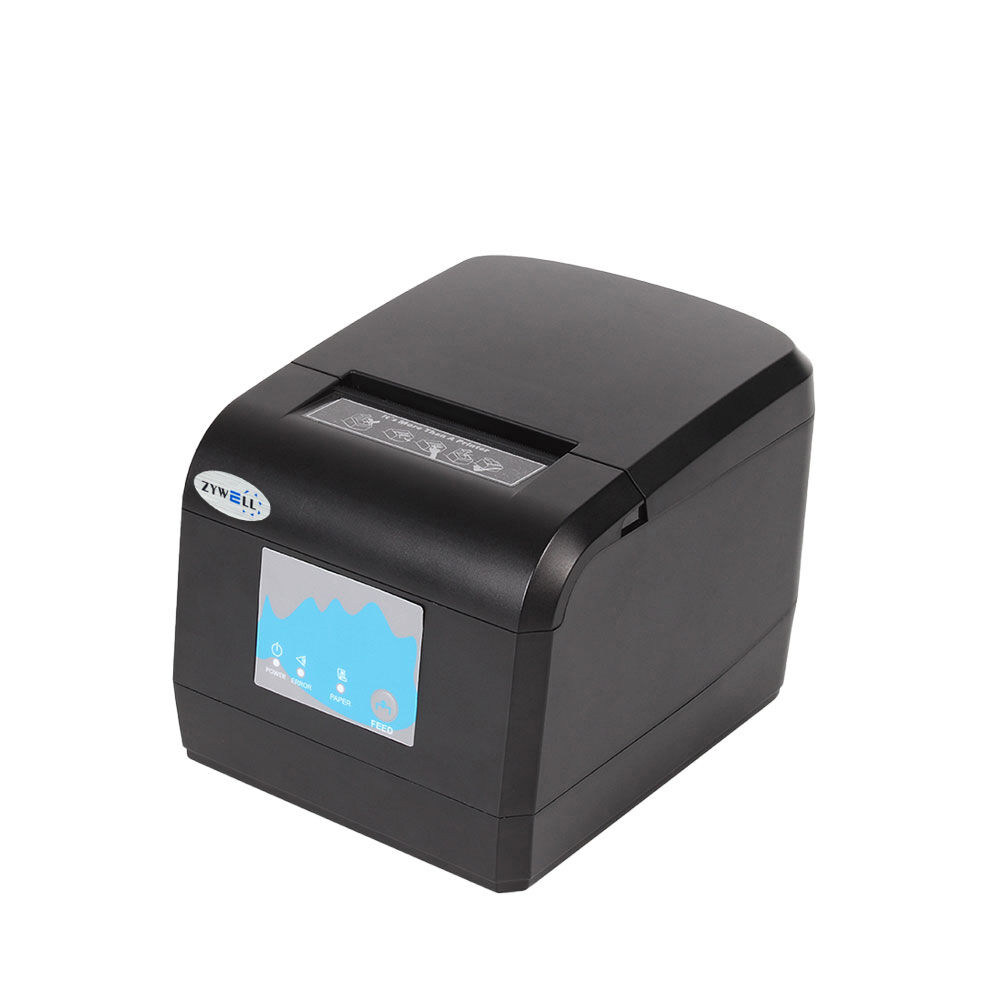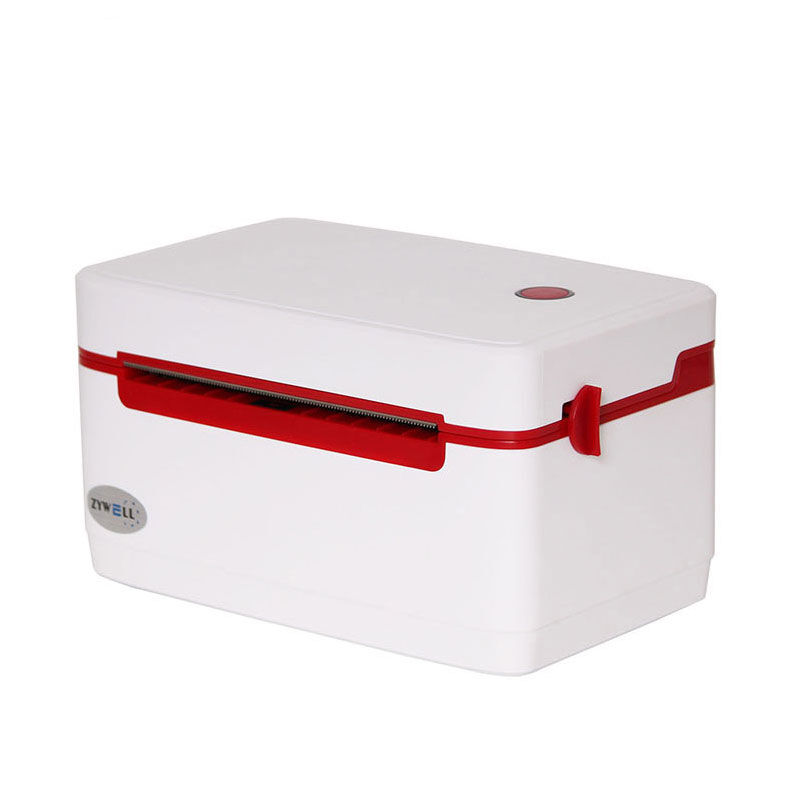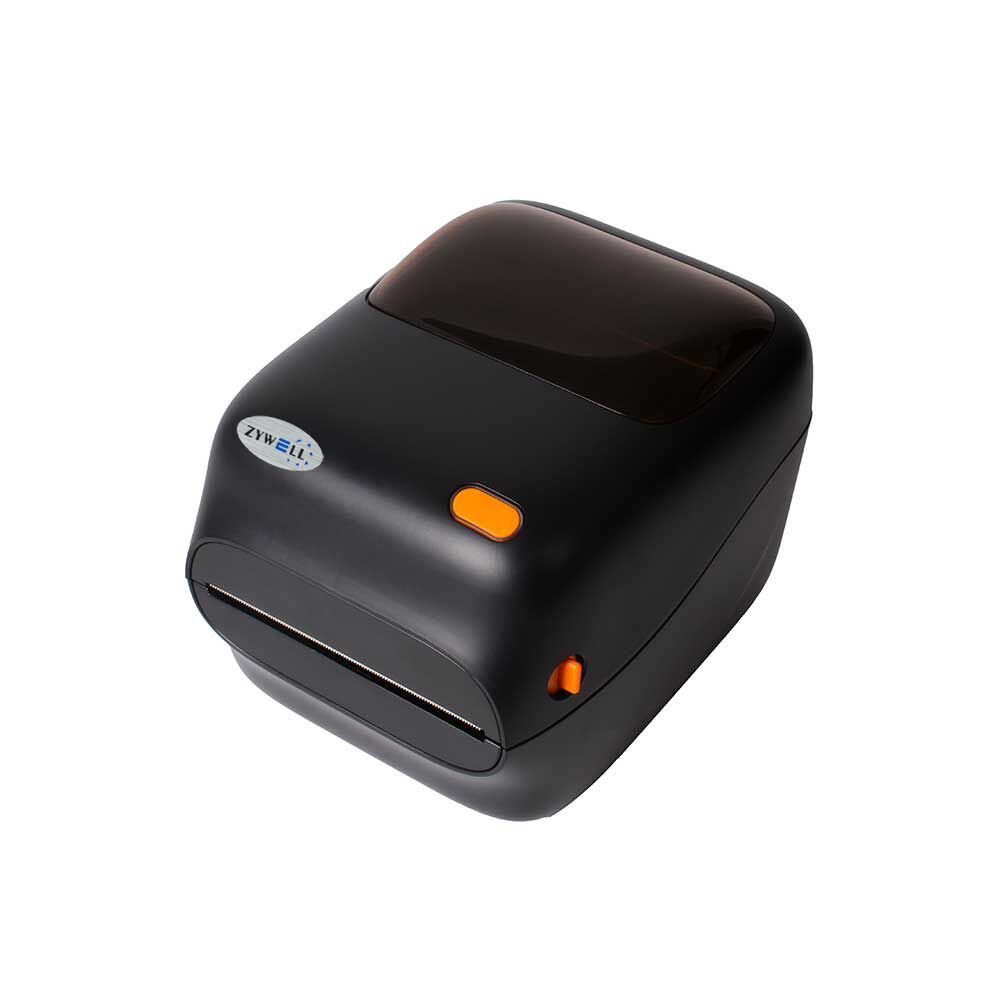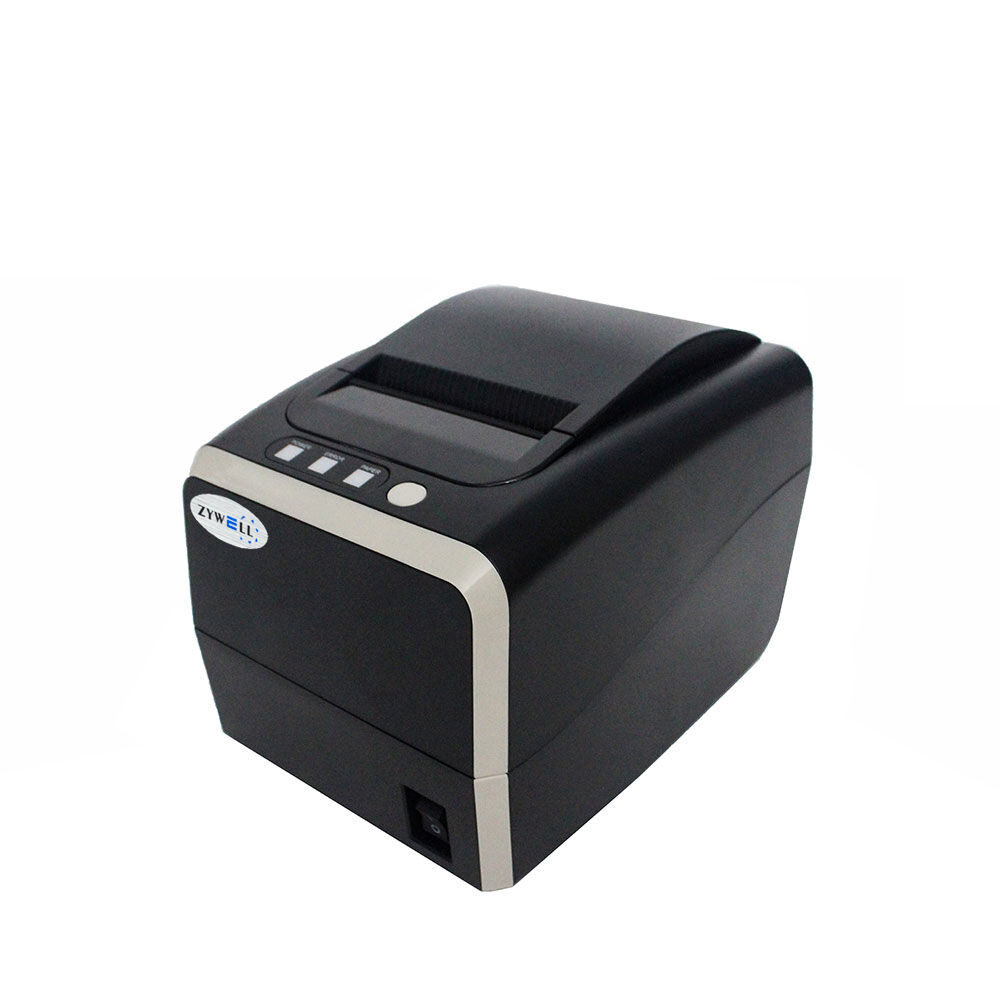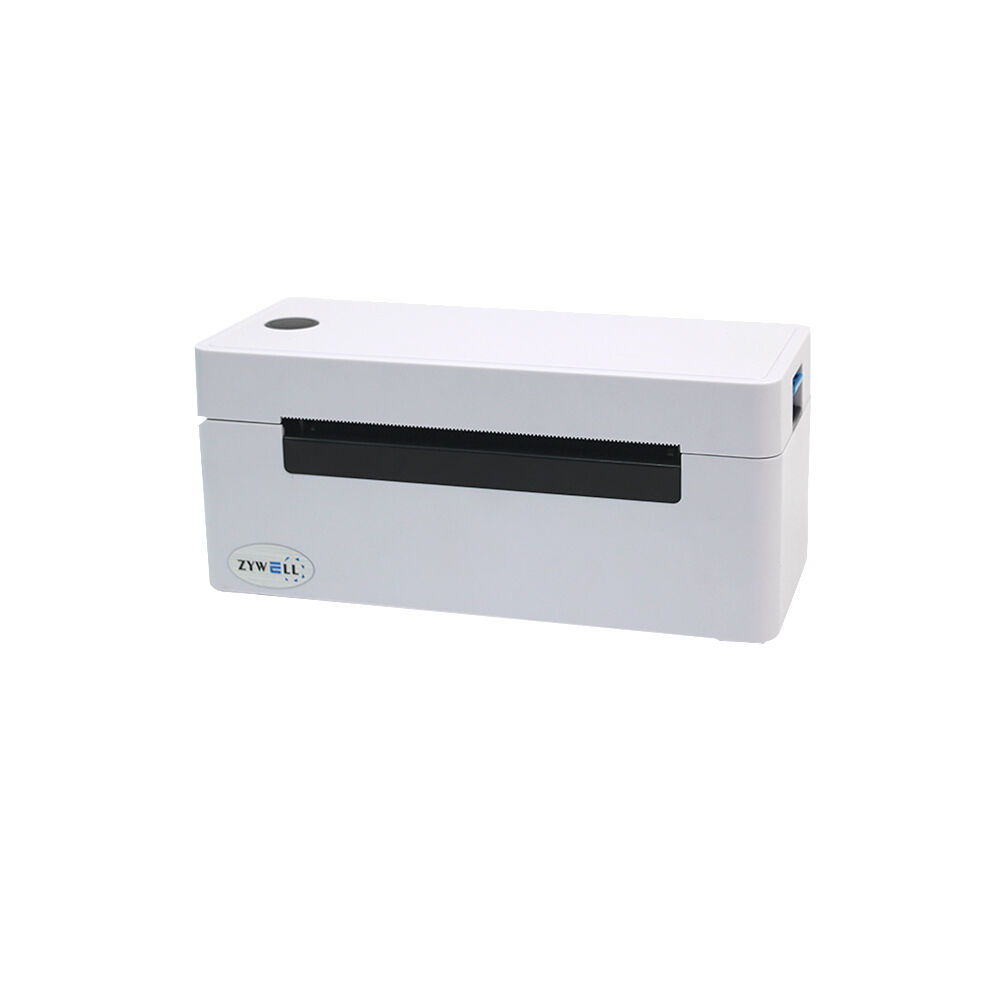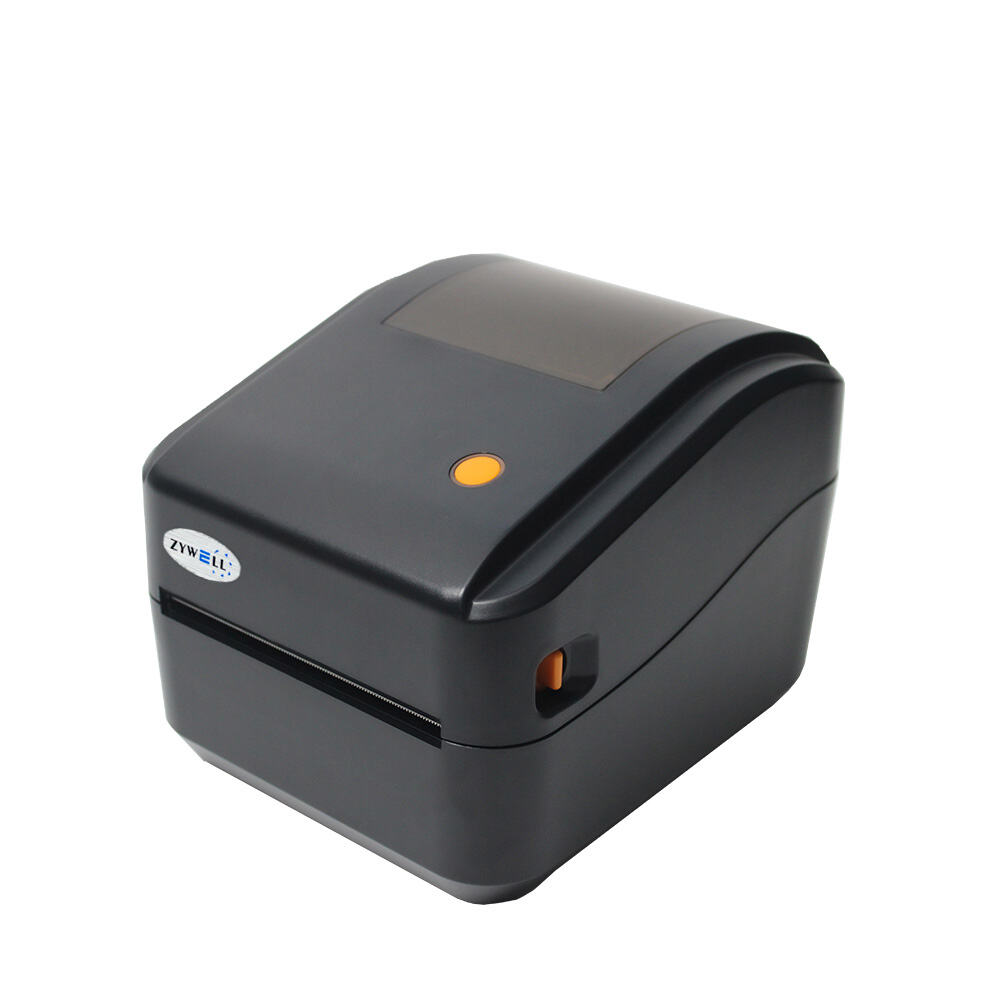
When selecting a wireless label printer, you should first consider your actual needs. The first thing to consider is how many labels you print every day. If you are printing a lot of labels every day, you will want to purchase a printer that will produce those labels quickly, and have a large capacity for holding multiple rolls of label stock in the printer. Zywell has a great wireless printer for doing this with both the speed of the printer (with pre-printed labels) and the maximum amount of labels it can hold. Also consider the sizes of the labels you want to print, some printers are better suited for printing smaller labels for bar codes, while others print larger labels for shipping purposes. In addition, what types of labels you need to print may determine your decision, such as waterproof or colored labels. Zywell also has many options for different types of label materials
The next step in your decision-making process should be how easy it is to operate the printer. Look for printers with a simple design, as they will save you time and frustration. You will also want to ensure that the printer connects easily to your computer or electronic device. Finally, think about your budget. Wireless label printers range tremendously in price, and therefore, it is crucial to have a budget set prior to purchasing one. More expensive printers generally have a longer life span, or more features than cheaper printers do. You should look for a portable wireless printer that meets your needs so that labeling is as easy and efficient as possible for your business.
When using wireless label printers, users can encounter common problems such as connection problems. Many times, an inability to connect to the printer is just a nuisance. This can happen due to a weak wireless signal or too many devices using the same network. Users that take the time to test their Internet connections and properly configures their wireless labeling units will find it easier to connect wirelessly. Users also commonly run out of labels or ink without keeping track of supplies. Having extra supplies on hand will help to alleviate these issues. Users of wireless labeling units can also run into software issues when using their printers. When the software for their printer does not function properly, users will encounter printing errors. Updating software regularly will help ensure that the wireless labeling unit operates properly. Many users also have difficulty setting their printers up for the first time. Taking the time to review user manuals or watch videos will help ease the setup process. In general, although there are wireless label printer issues, these types of problems are workable with some patience and the right tips. Zywell's thermal label printer is designed to improve the user's ability to operate their printers without experiencing these types of issues.
Another great feature is that many of these programs offer additional special applications. This allows you to quickly and easily create and modify various kinds of labels, including the color, size and style. The attractiveness of labels can enhance a product or package by giving them a more professional appearance. Zywell wireless printers help maintain the order and efficiency of a workspace so you can focus on what's important - getting your work done in a timely manner.
Connectivity is also important. For wireless, use Wi-Fi connect easily. For Bluetooth, some devices can connect wirelessly. Lastly, for wireless label printers you need to find the best price; by using wholesale prices from Zywell you can save money. Price comparison will help get the most value. Keeping these points in mind will allow you to find a wireless thermal printing labels that meets your requirements.
Sometimes, wireless label printers have issues but don't worry much! It has many easy fix. If your Zywell is not printing, first check the power. Make sure it is plugged and on. Then the Wi-Fi connection. If not connected, the printer cannot get the job done. Reconnect to the network. If you are using phone or tablet, make sure you use the same network too.
 EN
EN